

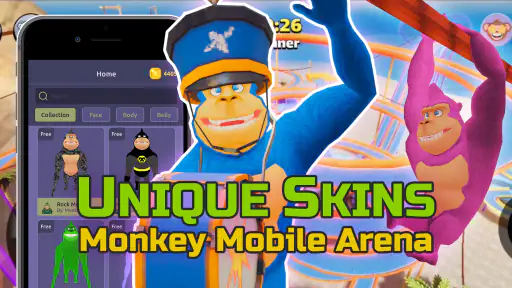
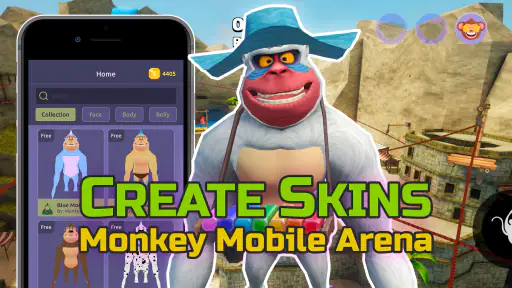
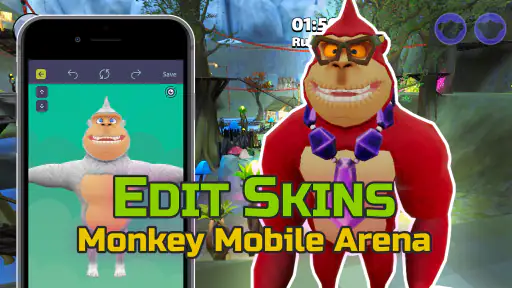
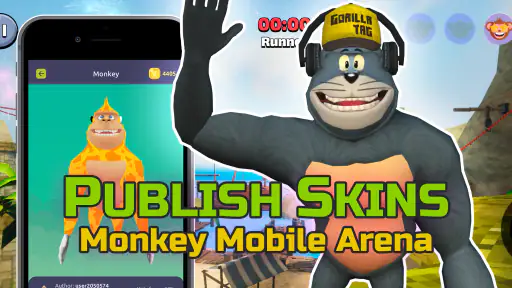
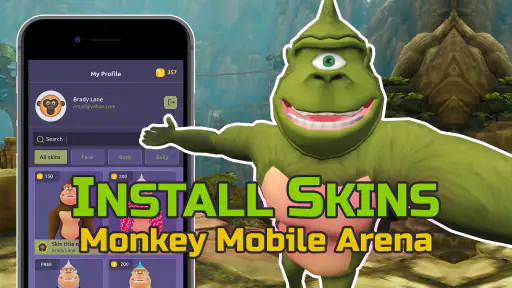
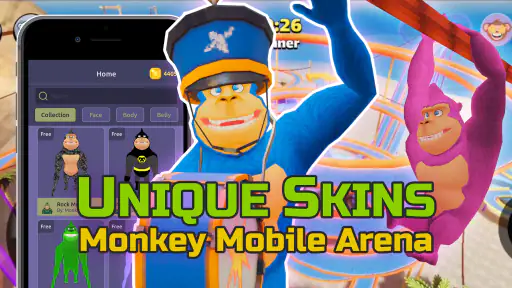
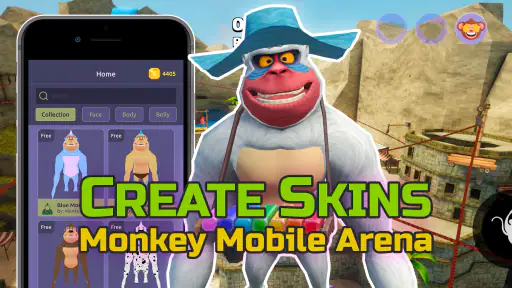
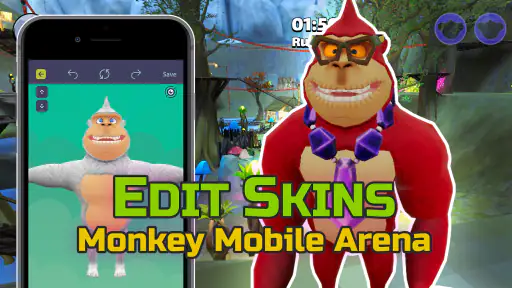
When I first opened Gorilla Skins, I understood its appeal immediately: it is a personalization app built around making skins, tags, outfits, and textures for Monkey Mobile Arena. That focus makes it much more specific than a general wallpaper or icon editor. If you want to change the visual identity of your gorilla and experiment with a look that feels like your own, this is the kind of tool that can be enjoyable to keep nearby.
My overall impression is mixed but positive. The app is easy to understand at a glance, free to start, and aimed at Everyone, so it does not present itself as a specialist design program. At the same time, a creator for game textures needs a little patience. The useful question is not simply whether it can make something colorful, but whether the process gives you enough control to produce a skin that looks good inside Monkey Mobile Arena rather than only in an editor preview.
What the app is really for
The developer is Dumitru Boico, and the app sits in the Personalization category. Its purpose is narrow in a helpful way: you are not sorting through a huge catalog of unrelated themes. You are working toward a custom appearance for a particular mobile arena experience. That makes it especially suitable for players who already know the visual style they want, whether that means a simple color change, a recognizable tag outfit, or a more playful texture concept.
I would not treat it as a full illustration suite. The strongest use case is quick experimentation: choose a direction, adjust the appearance, inspect the result, and decide whether it is worth using. Someone who wants professional drawing tools, layered artwork, advanced masking, or a broad collection of design exports may find the app too focused. Its value comes from connecting customization with the game rather than replacing a desktop graphics program.
The app is free to install, while optional purchases range from $1.99 to $49.99 per item. That difference matters before you begin. Free access lets you judge the workflow, but I would spend time testing the basic creation process first instead of assuming every useful option is included without cost. A personalization tool is only worth paying for if its controls save you time or produce a result you could not easily make elsewhere.
First impressions and everyday usefulness
The most practical scenario is a player preparing for a casual session with friends. You might want a bright outfit that is easy to recognize, a texture based on a favorite color combination, or a tag that separates your character from a crowded group. Rather than searching repeatedly through ready-made choices, you can use the creator to build something that feels more personal. That small difference is the reason to choose this app over a normal collection of preset skins.
I also see value for users who enjoy visual tinkering more than competition. You can approach each design as a small project: begin with a clear theme, keep the first version simple, and then make one change at a time. This method is more reliable than covering every available area with patterns immediately. A skin that looks exciting in a still image can become visually noisy when the character is moving, turning, or surrounded by other players.
One useful habit is to create a plain baseline before experimenting. Start with a restrained color arrangement and a readable tag, then compare later versions against it. This gives you a reference point when a texture becomes too busy. It also helps separate a genuinely better design from one that merely has more effects or stronger colors.
How I would approach a first skin
I would begin by deciding what the design needs to do in the game. If recognition is the priority, I would use a strong main color and a small number of contrasting details. If the goal is humor or self-expression, I would allow more unusual texture choices, but still keep the main silhouette readable. The creator is most useful when you enter with that decision already made instead of tapping through options without a visual plan.
For tag outfits, readability deserves special attention. Small lettering or detailed symbols can lose their impact once the character is viewed at a distance. I would test the design in motion whenever possible and avoid relying on tiny details as the only identifying feature. A broad color block or a clear pattern usually survives changing viewpoints better than a delicate mark.
Textures need a similar reality check. A repeating pattern may appear neat while editing but become distracting when wrapped around a moving character. I would use repetition to support the theme rather than make it the theme. This is one of the app’s less obvious trade-offs: more customization does not automatically mean a stronger final result.
Trust starts with visible choices
Because this app is connected to game-related personalization, I would pay attention to every screen that asks me to continue, save, import, or use a purchase. My rule is simple: I want to understand what I am selecting before I confirm it. A clear preview and an obvious back path make experimentation comfortable; unclear prompts make even a harmless customization workflow feel risky.
The app’s public profile shows a 3.9 average from around 1.4 thousand ratings, with more than a million installs. Those figures suggest that many people have tried it, but popularity should not replace personal checking. I would still judge the experience by whether the controls are understandable, whether the result matches the preview, and whether optional spending is presented in a way I can recognize before tapping.
I am deliberately cautious about treating a large install count as proof of privacy or reliability. It tells me the app has reached a substantial audience, not what happens in every permission or account-related situation. For a personalization app, trust is built through visible user choices: knowing what an action will do, seeing when a purchase is involved, and being able to stop before committing.
Permissions, accounts, and data-sensitive moments
Before using any creator that works with images, textures, or game-related content, I would review the permission prompts shown on my device and grant only what is necessary for the action I am taking. I would not approve a request automatically just because the app is free. If I am only creating a design locally, I would expect the app to explain why it needs access beyond that task before I continue.
The most sensitive moments are usually not the first colorful editing screen. They are importing an image, saving a finished design, opening an external game-related action, or confirming an in-app purchase. Those are the points where I would slow down and read the wording. If a prompt is unclear, I would cancel, check the system setting, and return only when I understand the choice.
I would also avoid using personal photographs, private usernames, or identifying symbols in a texture unless I was comfortable with that material being part of the design workflow. Even when a picture seems harmless, it can reveal more than intended once reused as a visible game asset. A simple abstract pattern is often the safer option and can look just as distinctive.
Account control matters for the same reason. If the app offers any sign-in or connection step, I would use an account I am comfortable associating with a gaming customization service, and I would avoid sharing credentials directly inside an unfamiliar screen. I would also check the Android account and app settings afterward so I know what access remains enabled. These are ordinary precautions, but they are especially worthwhile when a tool combines creative files with another game.
Where it beats ordinary alternatives
The usual alternative is to use the game’s built-in appearance choices, assuming the game offers them. That route is simpler and generally better for someone who wants a dependable preset with no design work. The trade-off is limited individuality. Gorilla Skins is more appealing when the standard options feel repetitive and you want to participate in creating the look rather than only selecting it.
Another alternative is a general image editor. A broad editor may provide stronger drawing controls, but it may not be organized around Monkey Mobile Arena textures or tag outfits. You would have to understand the game’s visual requirements yourself and manage the workflow between separate tools. This app’s advantage is convenience and focus; the general editor’s advantage is depth.
There is also a difference between making a design and finding a design. A preset-based skin catalog is faster if you want an attractive result immediately. The creator is better for users who enjoy adjusting details and accepting a few imperfect attempts. I would choose the catalog for speed, a general editor for serious artwork, and this app for game-specific experimentation.
Practical friction I noticed in the concept
The focused design can also feel limiting. If you are not interested in Monkey Mobile Arena, the app has little reason to remain installed because its purpose is tied closely to that game’s visual customization. It is not a general personalization tool for the whole phone, and I would not recommend it to someone expecting wallpapers, launcher themes, or system icon packs.
There is a learning curve even if the interface is approachable. The challenge is not necessarily finding a control; it is understanding how a flat texture will behave on a three-dimensional character in motion. New users may create designs that look impressive in the editor but lose contrast during play. Saving several restrained variations and comparing them in the actual game context is a better workflow than polishing one complicated design for too long.
Optional purchases are another point where I would be selective. Since individual items can cost from $1.99 up to $49.99, the range is wide enough that a casual user should not tap through quickly. I would first confirm what the purchase unlocks, whether it improves the specific design I am making, and whether the free tools already meet my needs. For many players, the free starting experience may be enough to decide whether the creative process is enjoyable.
Who should use it and who should skip it
I think it is a good match for Monkey Mobile Arena players who care about visual identity, like testing variations, and are willing to spend a few minutes refining a design. It is also suitable for younger users within the Everyone age rating when a parent or guardian is comfortable with the device’s purchase and permission controls. The app’s appeal is strongest when customization itself is part of the fun.
I would skip it if I only want an instant preset, if I do not play the connected game, or if I expect professional-grade artwork tools. I would also avoid paying until I had tested the basic workflow and understood how the finished skin appears during actual play. A different option is better for each of those situations: built-in presets for speed, a general editor for depth, and no installation at all when the game is not part of your routine.
Version, access, and my cautious verdict
The current version is 4.3.0, and it supports Android 7.0 or later. That makes it accessible to people using older Android devices, although the real experience will still depend on the phone’s performance and how comfortably it handles visual editing. I would keep the app updated through the official store and review prompts after updates rather than assuming a familiar screen will always behave exactly the same way.
My verdict is that Gorilla Skins is worth trying if you specifically want to create Monkey Mobile Arena skins, textures, or tag outfits and you understand that the reward is experimentation rather than instant perfection. I like the focused purpose and the possibility of making a character easier to recognize or more personal. I am less enthusiastic about treating it as a complete design studio or spending on extras before proving their value.
The best way to use it is cautiously and creatively: begin with a simple design, inspect it in motion, keep personal material out of the workflow unless necessary, read every permission and purchase prompt, and compare the result with the game’s normal presets. Used that way, the app gives personalization fans a practical space to make their own visual choices without pretending that every custom texture will automatically improve the playing experience.


